
AI Visual Operations Intelligence
Let your cameras tell youwhat happened today
Zonariq is AI that reads footage from the CCTV you already have and writes it out as events and numbers, with a summary on LINE every morning. For restaurants, factories and hotels.
No new cameras. From ฿1,990 per branch per month.
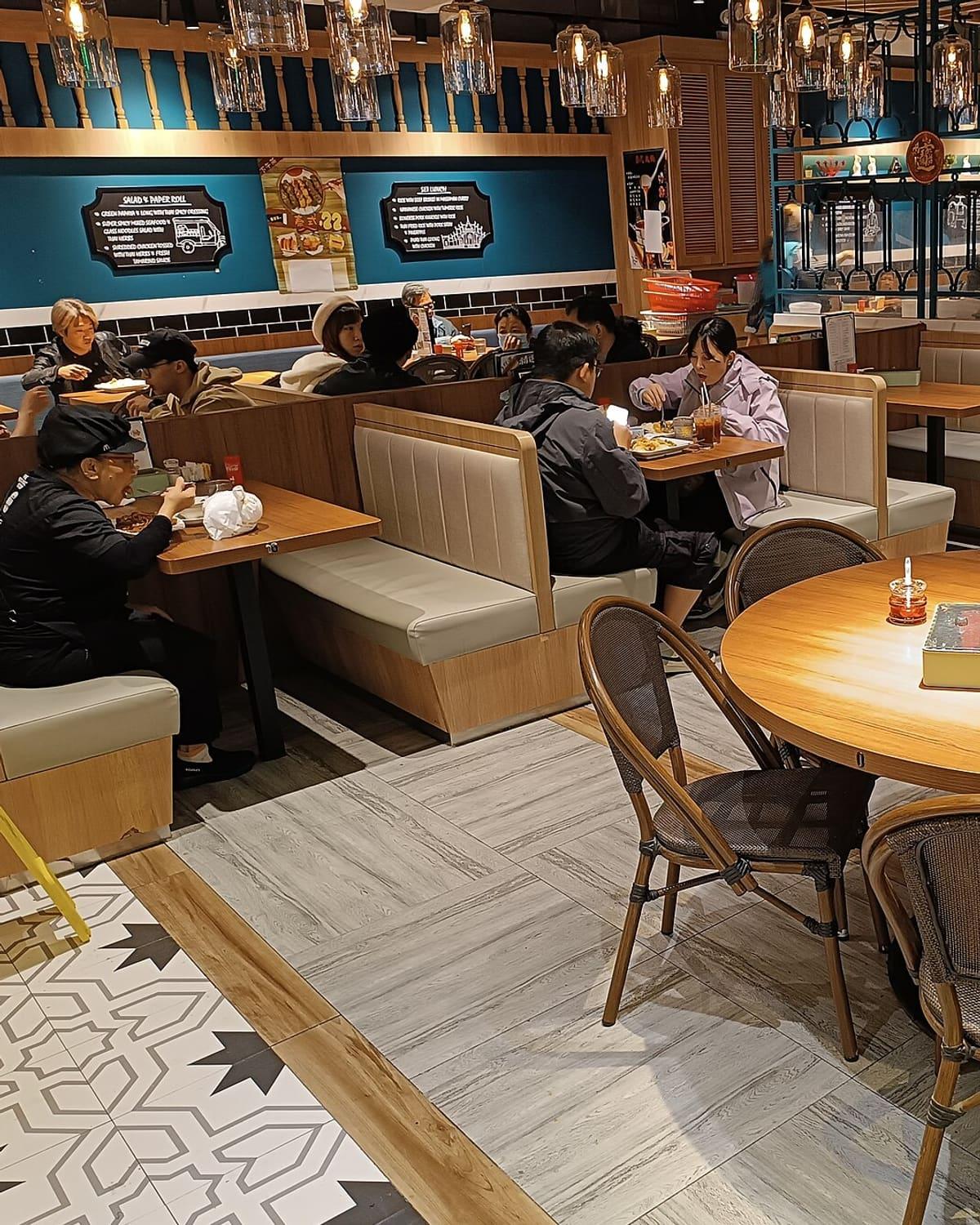 Table 4 · 1 person · 18 minTable 6 · 2 people · 24 minTable 7 · free
Table 7: free for 6 minutes
- 64
- Guests today
- 9/12
- Tables occupied
- 11 min
- Avg. food wait
0
New cameras to install. It uses the ones you have.
3 days
Calibration against manual counts before going live
5 min
Default alert limit, which you can change
฿1,990
Starting price per branch per month, published
Three products, one platform
One system, three kinds of site
Our team draws zones on your camera views. Zonariq then writes what happens in each zone as sentences and numbers. The same core works on every kind of site.
Zonariq Dine
Know why sales dropped and where service slowed
- Counts guests entering, and groups that leave without sitting
- Times every table: waiting for staff, for food, for clearing
- Alerts when a table waits longer than the limit you set
- Ask about your restaurant in plain language on LINE
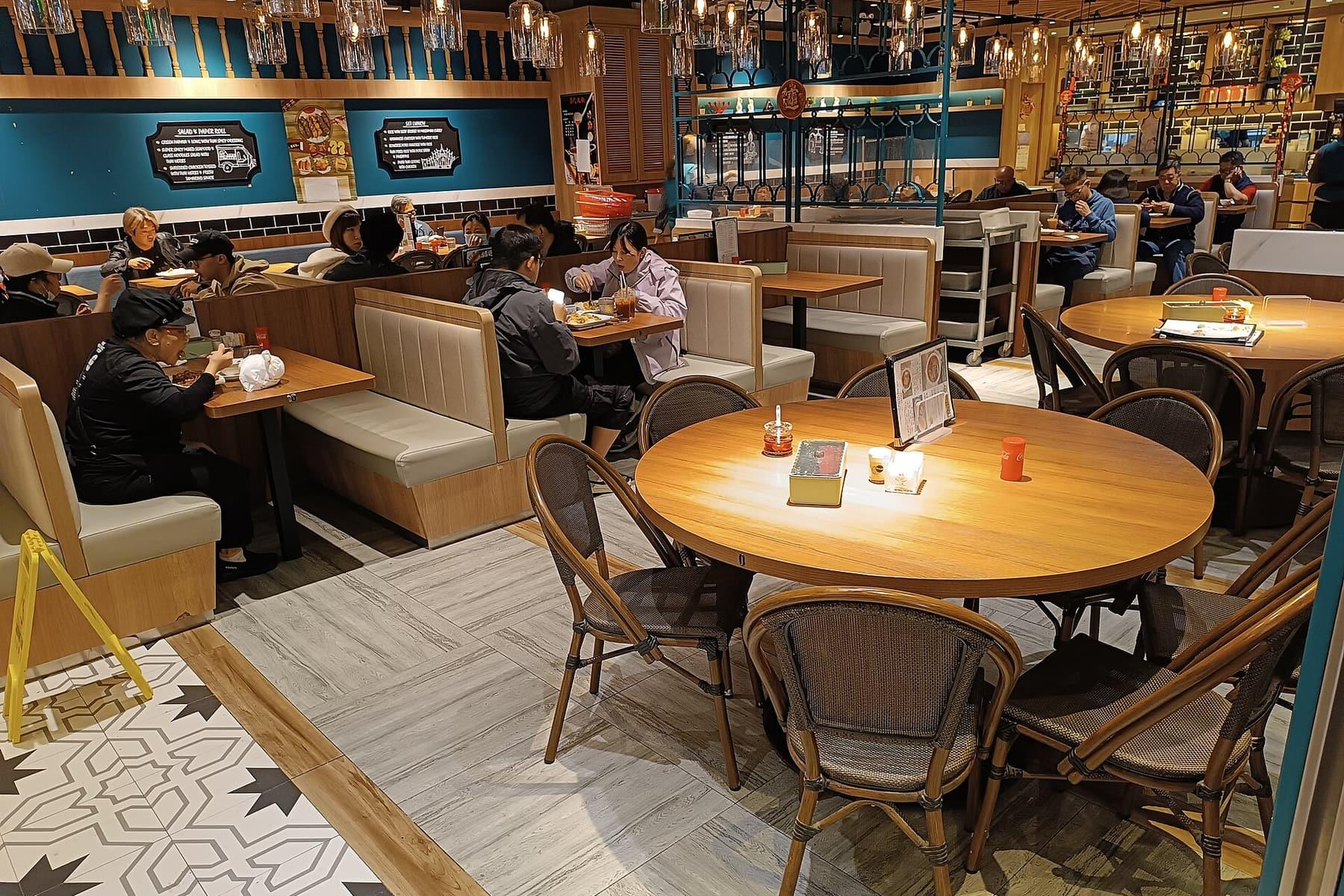 Zonariq Dine
- 1Table 1: 1 person seated since 12:04
- 2Table 2: 2 people seated, food served
- 3Table 3: free for 6 minutes
Getting started
Start without replacing anything
Your staff work exactly as before. No extra tasks.
- 1
Send us photos for a free check
Photograph the camera labels, the recorder and each camera view. We tell you whether they can connect and how much area they cover, before you decide.
- 2
Plug in the Zonariq box
A router-sized box. Plug in power and a LAN cable and it works. No drilling, no open ports on your router.
- 3
We draw zones and calibrate for 3 days
Our team draws zones on your camera views, then compares the numbers with manual counts until they can be trusted. Areas the cameras cannot see are marked as not covered.
- 4
Get a summary on LINE every morning
Plus alerts during the day, and a mobile dashboard when you want to dig deeper.
Zonariq Dine
Why did sales drop?
Your POS says how much sales fell. Zonariq Dine says whether it was fewer walk-ins, guests leaving, or slow table turnover.
- Sales drop and nobody knows whyCompares walk-ins, walk-outs, table occupancy and turnover with your sales to show which stage is the problem.
- Service quality is invisibleTimes every table from seating to first staff contact, food wait, and how long dirty tables sit, with alerts when limits are passed.
- No idea whether staffing is enoughStaff check in at a single point, and you see front-of-house headcount against guests, hour by hour.
- Guests today
- 64
- Tables occupied
- 8/12
- Avg. food wait
- 11min
- To be cleared
- 2
- Free
- Seated
- Long food wait
- To be cleared
- Staff
Latest events
- 12:03Table 7: uncleared for over 5 minutesSent to LINE
- 12:03Table 5: food wait over 12 minutes
- 12:02Table 11: guests left, needs clearing
- 12:01Table 8: 2 people seated
Tap a table to see its events
 Zonariq DineLINE Official Account● Sample answers from simulated data
How many guests today?
Today (11:00–14:30) 64 guests came in, 9 more than the same period yesterday. 3 groups left without sitting between 12:10 and 12:40, when every table was full.
Try a question
Ask the AI on LINE
Ask your restaurant on LINE
Type a question the way you would ask your manager. No dashboard to open, no new app to install.
- Answers only from numbers in the system
- Always states the time range of the data
- Says so when there is no data, and never guesses
Privacy
Built to support, not to police
A good system has to feel right for owners, staff and customers alike, so we collect only what is needed from the start.
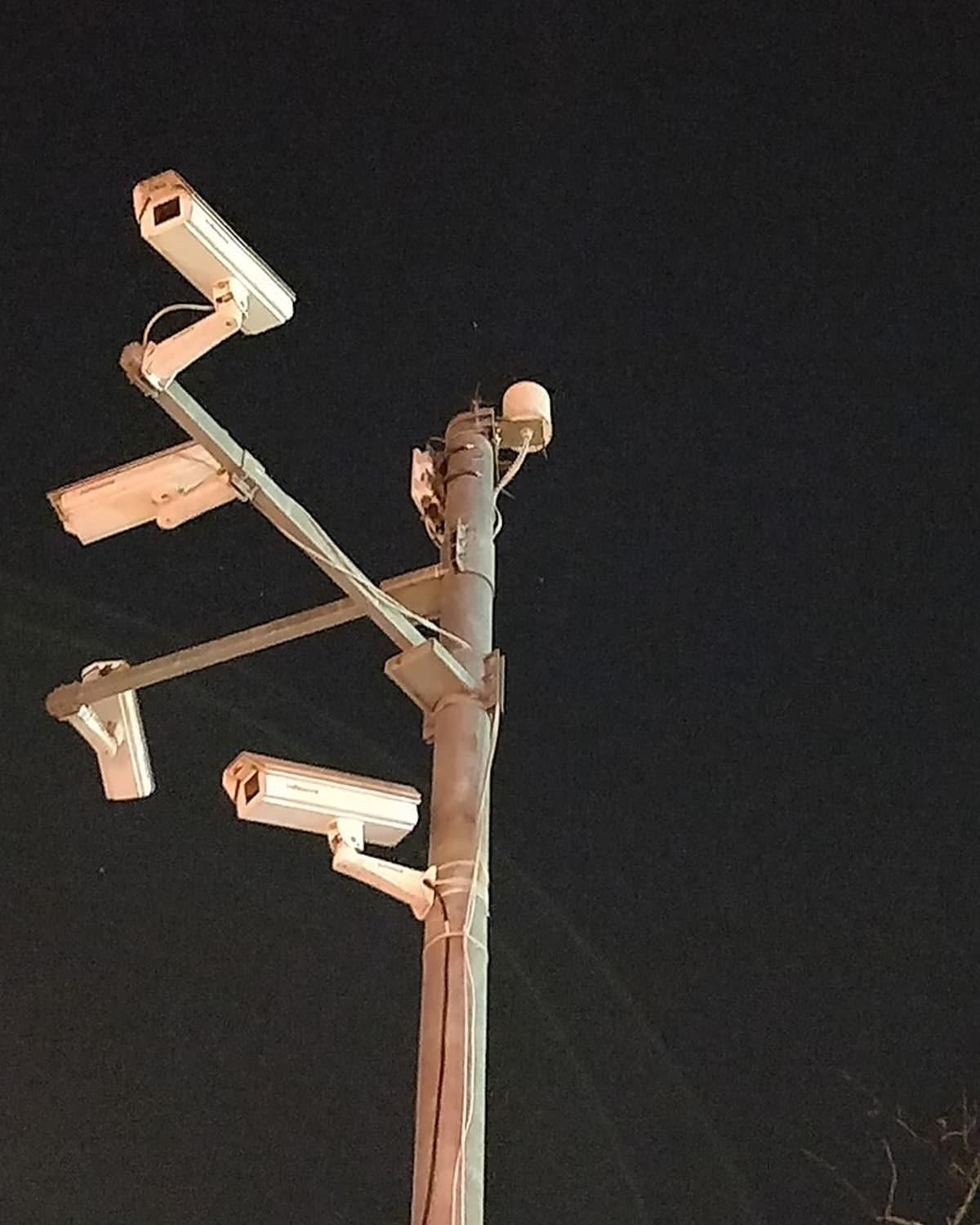
Video is processed on your premises
The Zonariq box analyses footage on site. We do not record video in the cloud. Live view is sent only when an authorised person opens it.
No customer face recognition
Customers are never identified and no faces are stored. The system keeps events only, such as “Table 5, 3 people seated since 12:04”.
Staff consent comes first
Staff check-in happens at one point and requires written consent. Reports show facts, not rankings of the worst performer.
You see only your own data
Each business sees only its own data. Managers see only the branches they are assigned.
We help prepare notices and PDPA-related documents. Each business should still consult its own legal adviser before going live.
Pricing
Zonariq Dine pricing
Published prices, billed monthly per branch. Zonariq Works and Zonariq Stay are quoted by site size and number of cameras.
Starter
For restaurants that want to start seeing numbers
฿1,990
per branch per month
- Up to 4 cameras
- Daily summary on LINE
- Mobile dashboard
Pro
ProFor restaurants that want to fix issues during the day
฿3,990
per branch per month
- Up to 8 cameras
- Instant alerts when limits are passed
- POS sales data connected
- Everything in Starter
Chain
For multi-branch brands
Contact us
- Many branches in one account
- Branch-to-branch comparison
- Dedicated account manager
One-time setup fee of ฿9,900 per branch, covering the processing box (on loan while subscribed), camera setup and zone drawing.
Works with existing cameras at almost every restaurant; we check for free before you sign up. These are launch prices and may change.
Common questions
Questions before you start
Cannot find your answer? Send your question with the form below.
Will my existing cameras work?
Cameras connected through a recorder (DVR/NVR) and most ONVIF-compatible IP cameras work right away. Some home Wi-Fi cameras need an extra setting. Cameras that only upload to the maker's cloud, and battery cameras, cannot connect directly. We check for free and tell you the result before you sign up.
What do I need to install?
One router-sized processing box. Plug in power and a LAN cable to the same router as your cameras. No cabling or drilling.
Where does our video go?
Analysis happens in the box on your premises. What goes to the cloud is numbers and events. The system does not record video; recording stays with your existing recorder. Live view is sent only when an authorised person opens it.
Do staff have to do anything extra?
No. Staff work as usual. If you enable attendance check-in, staff simply pass a single check-in point, and must give consent first.
How accurate are the numbers?
We calibrate against manual counts for 3 days before going live, and every figure states how many points it covers out of the total. Areas the cameras cannot see are not averaged in.
We are not a restaurant. Can we use it?
Zonariq Works for factories and Zonariq Stay for hotels are accepting pilot partners. Other kinds of business are welcome to talk to us; we want to know what you would like your cameras to tell you.
Latest articles
Notes on AI cameras and running a site
14 November 2026 · 4 min read
Which CCTV cameras can connect to AI
Most restaurants do not need new cameras, but some types cannot connect directly. Here is a simple way to tell which group yours are in.
Read more14 November 2026 · 4 min read
Why sales drop: three numbers your POS misses
Your POS says how much sales fell, but the cause is usually in three numbers nobody writes down: walk-ins, walk-outs and table turnover.
Read more14 November 2026 · 5 min read
Using AI on CCTV so staff and customers trust it
The same tool can support people or police them. The difference is in what it keeps, who sees it, and how the people involved are told.
Read more
Let us look at your cameras first
Send us photos of your cameras. We tell you whether they can connect and what they can show. No cost and no commitment.